Why Does My Data Finish So Fast?
It’s a question every Nigerian asks: You buy a large data bundle, and in a few days it gets exhausted. You are left with no choice but to spend more just to finish the month.
At plug.ng, we not only give you the best rates for your data purchase, but we also want to help you make your data last while you enjoy it. Here are 5 simple ways you can cut costs on your monthly data bill.
1. Stop Auto-Playing Videos
Videos use massive amounts of data. Many apps are set to start playing videos instantly, even when you are just scrolling past them.
- Social Media: Go into the settings for apps like Facebook, X, and Instagram. Look for “Data Usage” or “Video Autoplay” and change it to “Never Autoplay Videos” or “Autoplay on Wi-Fi Only.”
- WhatsApp Status: Set WhatsApp to not automatically download videos from Status updates.
By so doing, you decide which videos are worth watching, saving huge amounts of data.
2. Turn Off Background App Refresh
When you close an app (like a news app or a messaging app), it doesn’t truly close. It stays active in the background, constantly connecting to the internet to check for updates. This consumes a lot of data.
- For Android: Go to Settings, find “Data Usage,” and restrict background data for apps.
- For iPhones (iOS): Go to Settings > General > Background App Refresh. Selectively turn it off for apps that are not essential.
The Payoff: This stops apps from secretly consuming data while your phone is in your pocket.
3. Change Your Streaming Quality
Do you really need to watch that YouTube video or Netflix movie in super high-definition (HD) on your small phone screen? Often, Standard Definition (SD) looks perfectly fine and uses a fraction of the data.
- YouTube/Netflix: Go into the settings of your streaming apps and change the default streaming quality to “Standard” or “Data Saver.”
- Music Apps: If you use Spotify or Apple Music, reduce the streaming quality setting when you are using mobile data. You enjoy your content, but save a relatively huge amount of data.
4. Stop Automatic Media Downloads on WhatsApp
WhatsApp is essential for communication, but those group chats can drain your data quickly.
- Go to WhatsApp Settings: Select “Storage and Data” (or “Data and Storage Usage”).
- Change Auto-Download: Under “When using mobile data,” make sure all boxes (Photos, Audio, Videos, Documents) are UNCHECKED. Media will only download when you tap on it, giving you total control over every mobile data used.
5. Disable Automatic Updates Over Mobile Data
Your phone and its apps are constantly getting updates. These updates can be hundreds of megabytes in size, and if you’re not careful, your phone will download them using your precious mobile data without asking.
- Google Play Store (Android): Go to Settings > Network Preferences > Auto-update apps. Select “Auto-update apps over Wi-Fi only.”
- Apple App Store (iOS): Go to Settings > App Store. Turn off the “Automatic Downloads” toggle under Mobile Data/Cellular Data.
You save large amounts of data for when you are safely connected to a home or office Wi-Fi network.
The Final Step to Cutting Your Bill: Buy Smarter!
Now you know how to cut down the cost of your data bill. Now, make sure you’re getting the best price for the data you do buy.
At plug.ng, we offer some of the best rates across all major Nigerian networks (MTN, Glo, Airtel, 9mobile). Buying smarter means buying your data on Plug.ng with ease and no stress.
Visit plug.ng today to buy your next data bundle with the best rates and instant delivery!
Related Posts
MTN Data Night Plan Code and Subscription in 2025
Looking for the MTN night plan code? Here's everything you…
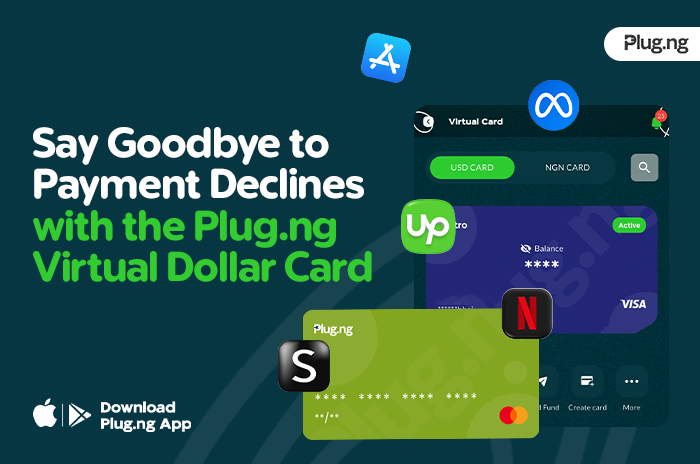
Say Goodbye to Payment Declines with the Plug.ng Virtual Dollar Card
Have you ever tried paying for Netflix, Spotify, Google Ads,…